Edit Dashboard Layout
To edit the layout of the Dashboard Page, do the following:
-
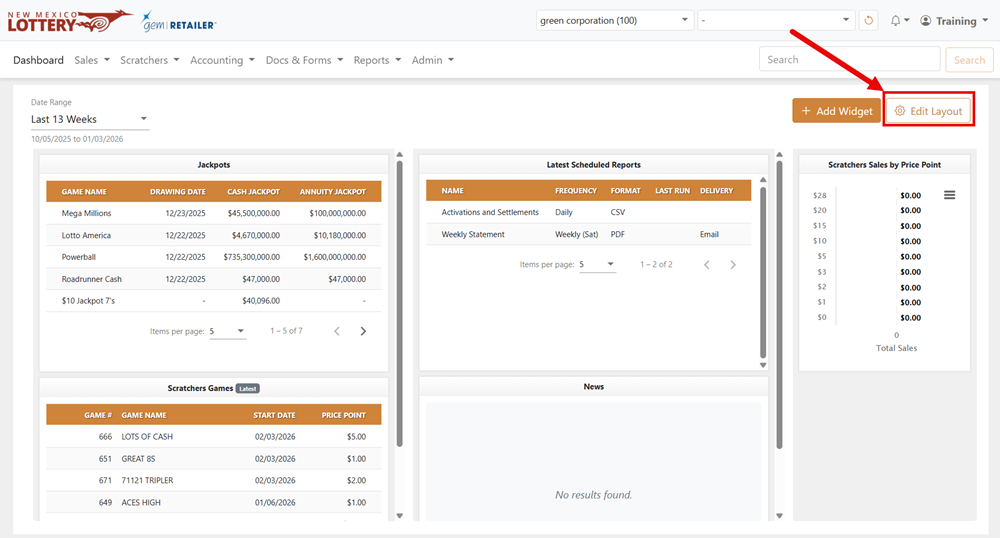
From the dashboard, click [Edit Layout]. The Edit Layout popup displays.
-
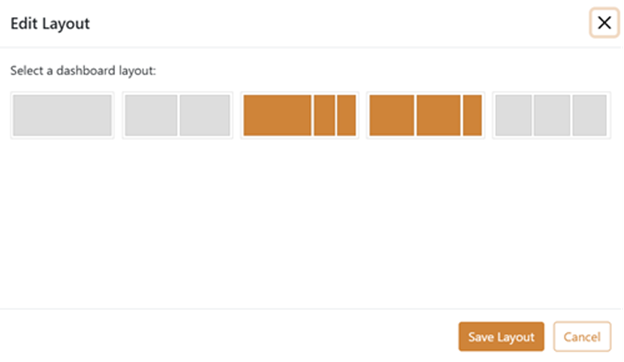
Select the layout you want and click [Save Layout].
To edit the layout of the Dashboard Page, do the following: