Returned Packs
The Scratchers> Returned Packs page displays a table showing all returned packs and pertinent information for each return. Use the standard filter options, along with the date range filter and dropdown menus, to search by return date and return type.
 Scratchers> Returned Packs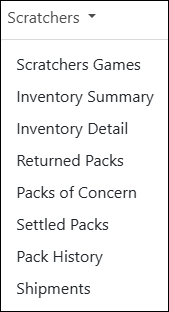
NOTE: To view data, you must select a chain and/or retailer at the top of the page. If you only select a chain, it displays the details for all of its retailers. You may also need to change the date range if applicable.
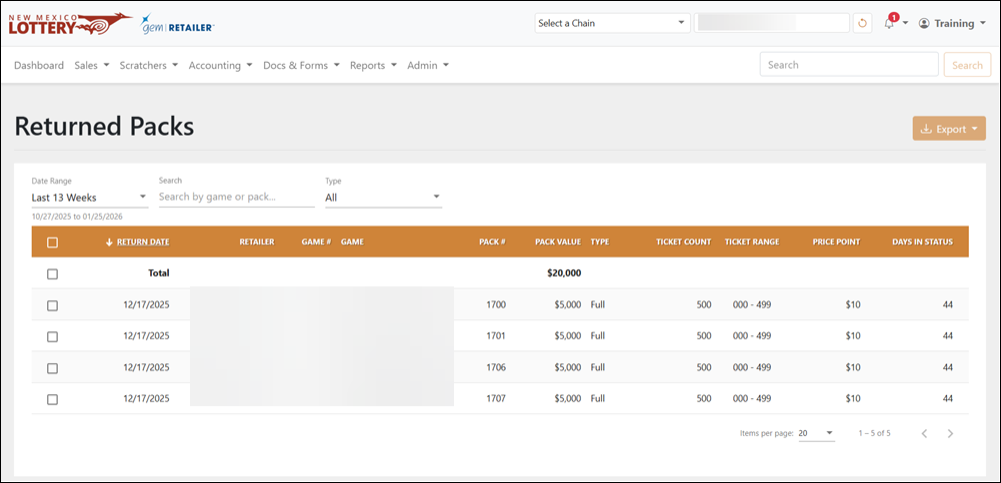
Search for Returned Packs
To search for a returned pack, use the available field and dropdown menus to filter the data in the results table. For the Date Range, you can also select Custom to choose your own date range.
Export a Returned Pack
To export, select the items to export, click [Export] on the right-hand side, and choose the file format. You can also check the orange checkbox at the top of the results to select all the items.