Pack History
The Scratchers > Pack History page lets you search for and view pack history by entering a game and pack number. If a pack is settled, the settled reason displays.
 Scratchers> Pack History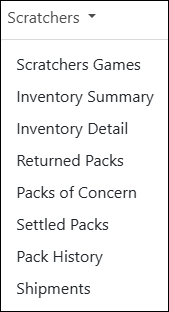
NOTE: To view data, you must select a chain and/or retailer at the top of the page. If you only select a chain, it displays the details for all of its retailers. You may also need to change the date range if applicable.
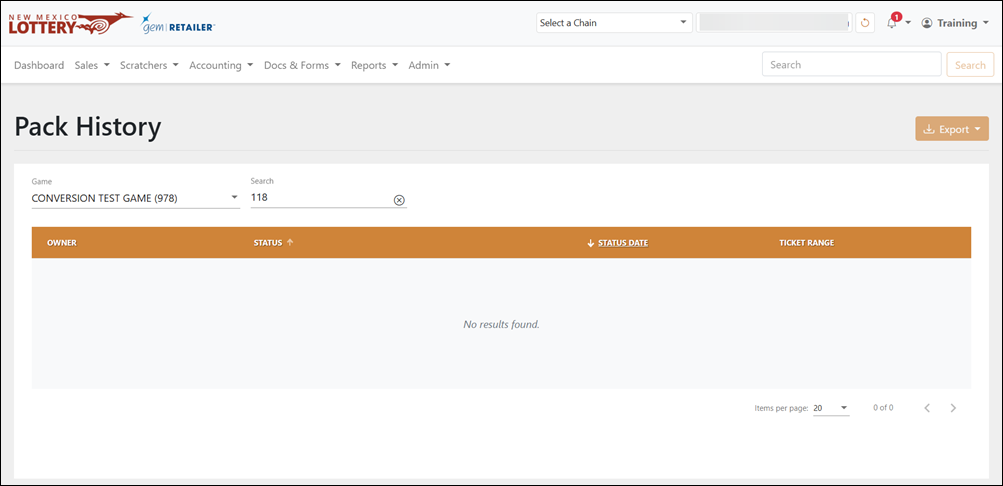
Search for a Pack or Game
To search for a pack or game, use the available field and drop-down menu to filter the data in the results table.
Export a Pack History
To export, select the items to export, click [Export] on the right-hand side, and choose the file format. You can also check the orange checkbox at the top of the results to select all the items.