Inventory Detail
The Scratchers > Inventory Detail page displays the average and maximum number of days a pack remains in the In-Transit, Received, and Active statuses. Detailed pack information displays in the table in the lower half of the screen. If you want to see the Inventory Details report, see Reports.
 Scratchers> Inventory Detail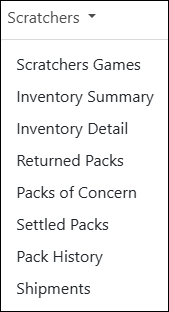
NOTE:To view data, you must select a chain and/or retailer at the top of the page. If you select only a chain, the page displays the details for all of its retailers. You may also need to change the date range, if applicable..
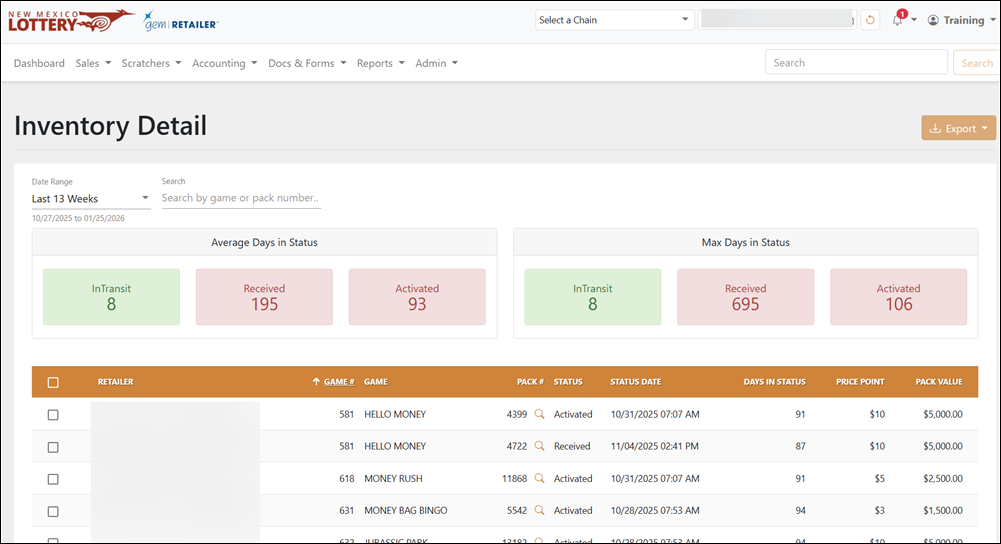
Search for Inventory Detail
To search for inventory, use the available field and drop-down menu to filter the data in the results table. For the Date Range, you can also select Custom to choose your own date range.
Export Inventory Detail
To export, select the items to export, click [Export] on the right-hand side, and choose the file format. You can also check the orange checkbox at the top of the results to select all items.