Inventory Summary
The Scratchers> Inventory Summary page displays a table of all instant games in the selected chain account and/or retailer’s inventory and the number of packs in each status. The table also includes the price point, number of tickets per pack, and the pack value for each game. If you want to see the Inventory Summary by Game report or the Inventory by Summary by Status report, see Reports.
 Scratchers> Inventory Summary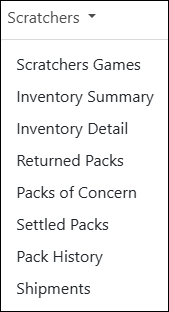
NOTE: To view data, you must select a chain and/or retailer at the top of the page. If you select only a chain, the page displays the summary for all of its retailers. You may also need to change the date range, if applicable.
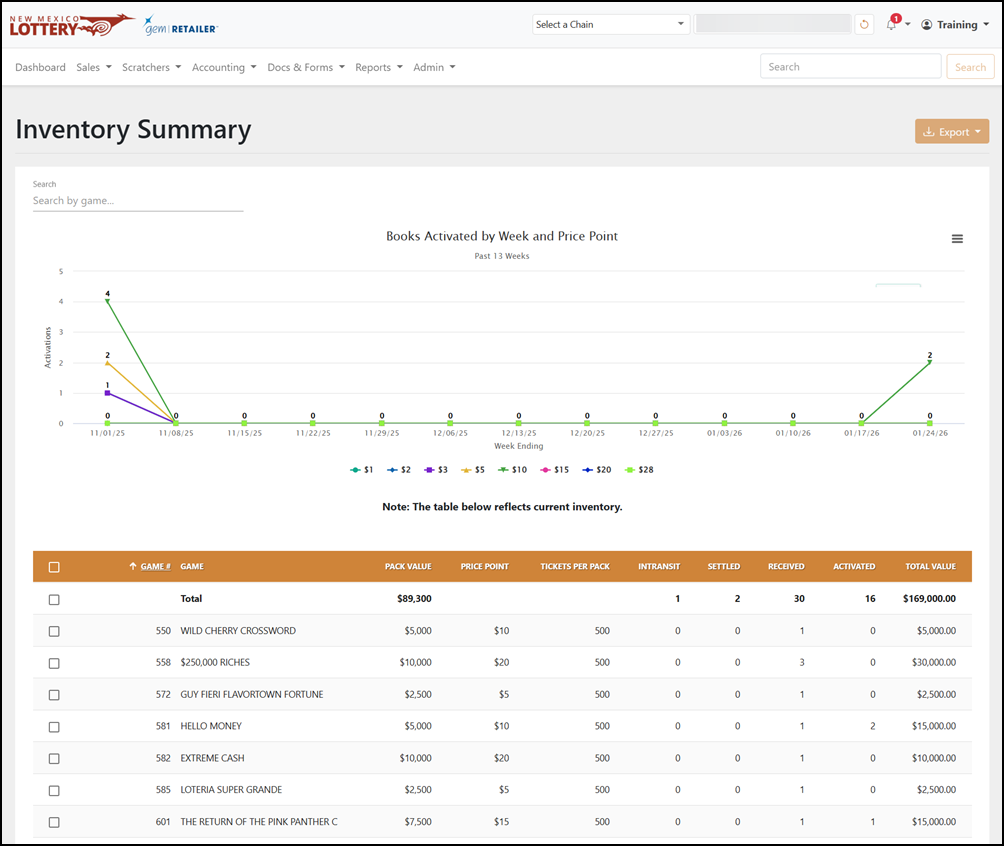
Search for a Scratchers Game
To search for Scratcher Game, use the Search by game field to filter the data in the results table.
Export Inventory
To export, select the items to export, click [Export] on the right-hand side, and choose the file format. You can also check the orange checkbox at the top of the results to select all the items.