Weekly Sales
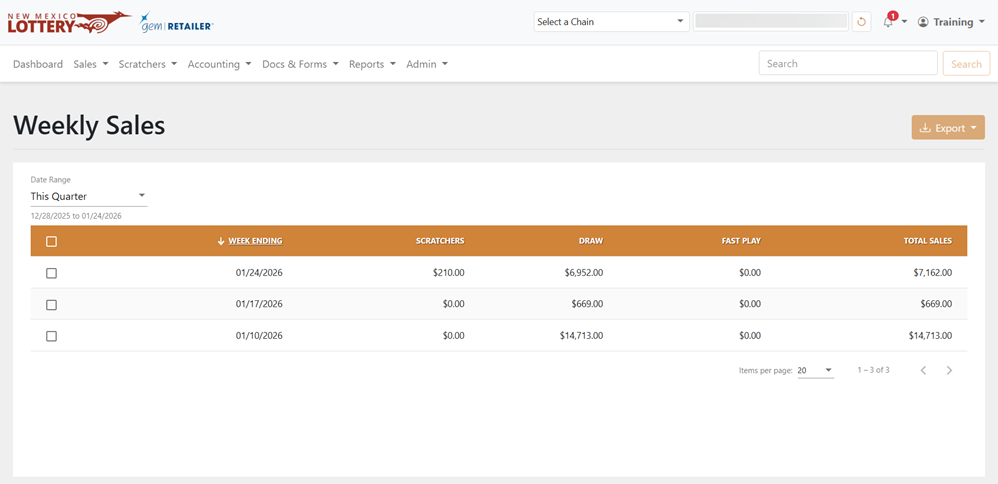
The Sales > Weekly Sales page displays a table of weekly sales data for each game category. If you want to see the Weekly Statement report, see Reports.
 Sales > Weekly Sales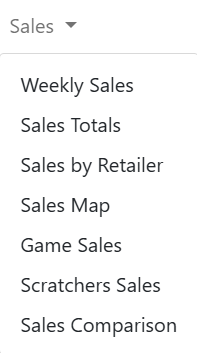
NOTE:To view data, Corporate and Lottery users must select a chain and/or retailer at the top of the page. If you select only a chain, the page displays detail data for all of its retailers. You may also need to change the date range, if applicable.
Filter Results
Select a date range with the Date Range dropdown menu. You can also select Custom in the dropdown menu to choose your own date range.
Export Sales
To export, select the items to export, click [Export] on the right-hand side, and choose the file format. You can also check the orange checkbox at the top of the results to select all the items.