Sales by Retailer
The Sales > Sales by Retailer page displays a table containing sales data for each retailer. This page is only available to Corporate and Lottery users.
 Sales > Sales by Retailer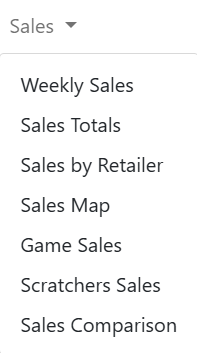
NOTE: To view data, you must select a chain and/or retailer at the top of the page. If you select only a chain, the page displays the details for all of its retailers. You may also need to change the date range, if applicable.
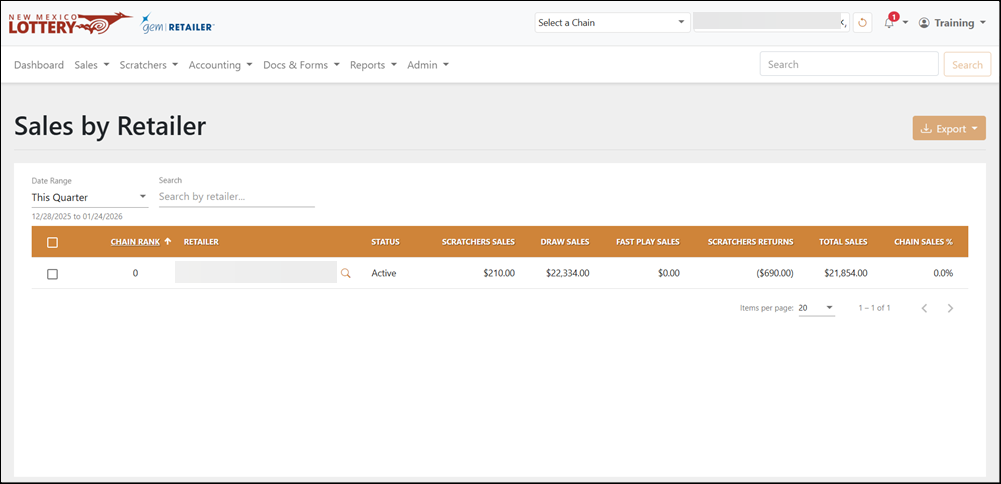
Search for Retailer
To search for a retailer, use the available field and dropdown menu to filter the data in the results table. For the Date Range, you can also select Custom to choose your own date range.
Display Sales by Retailer in a Graphic
To display sales by retailer in a graphic:
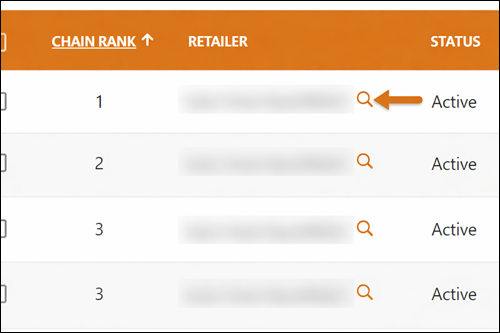
- Click the [View Details] button next to the retailer name.
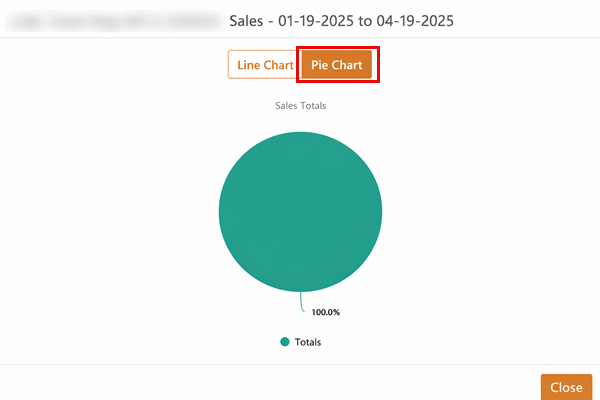
- Click [Line Chart] or [Pie Chart] to choose the graphic display for the information.
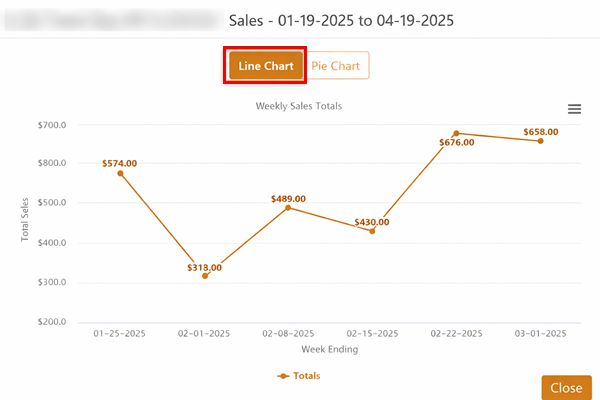
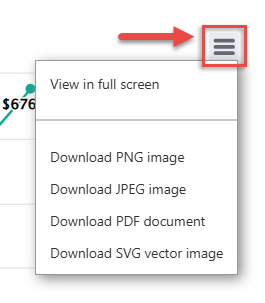
- Optional: Click the Chart Context menu on the right-hand side to view in full screen, print the chart, or other graphical download options.
Export Sales
To export, select the items to export, click [Export] on the right-hand side, and choose the file format. You can also check the orange checkbox at the top of the results to select all the items.