Usage Statistics
The Admin > Usage Statistics page displays real-time and historical user data for all activities.
 Admin > Usage Statistics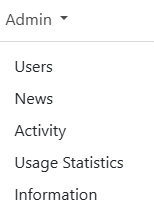
NOTE: This page is only available to Lottery users. For more information, see role types.
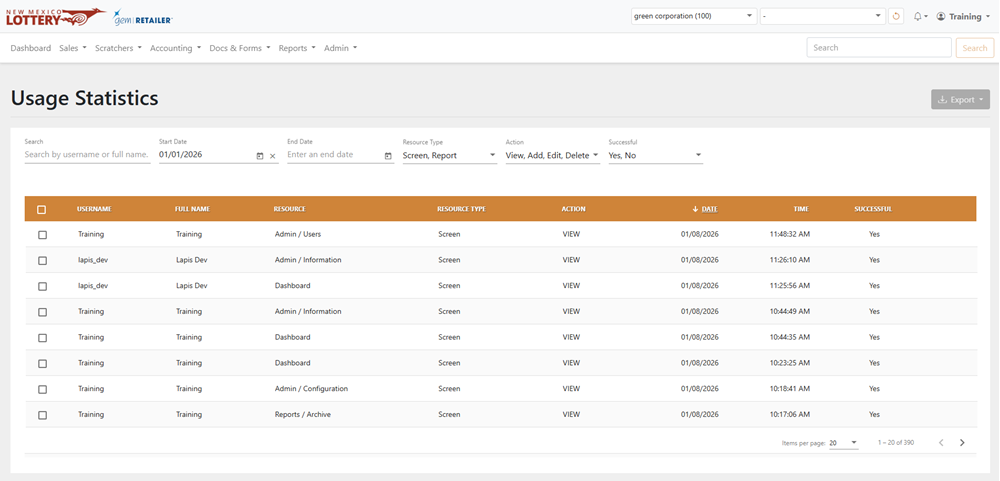
Search for Usage Statistics
To search for usage statistics, use the available fields, date fields, and dropdown menus to filter the data in the results table.
Export Usage Statistics
To export, select the items to export, click [Export] on the right-hand side, and choose the file format. You can also check the orange checkbox at the top of the results to select all the items.