News
The Admin > News page displays a table of news items created in the system. This page is available only to Lottery administrators.
 Admin > News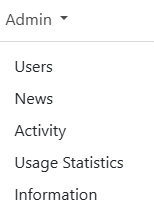
NOTE: Editing or creating news items may depend on your Admin role. For more information see role types.
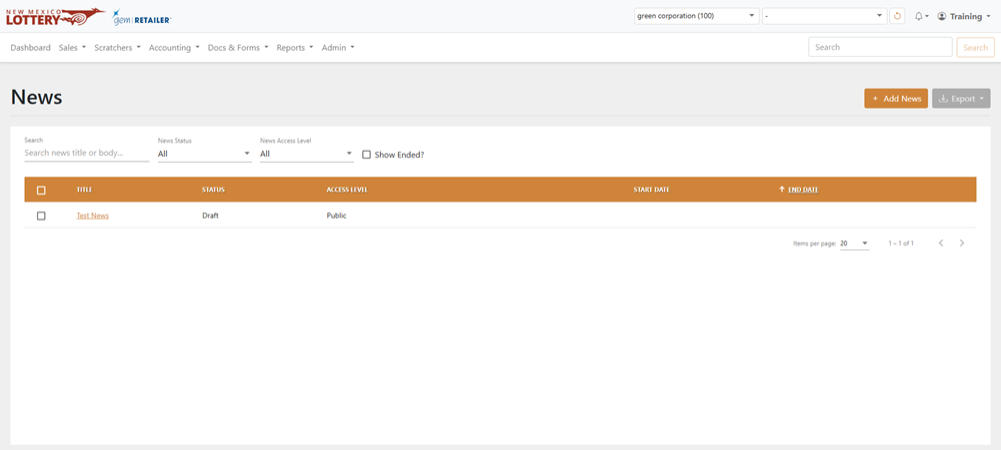
Search for a News Item
To search for a news item, use the available fields, date fields, and dropdown menus to filter the data in the results table.
Add News Item
To add a news item:
- Click the [Add News] button on the right-hand side. The Add News Item page displays.
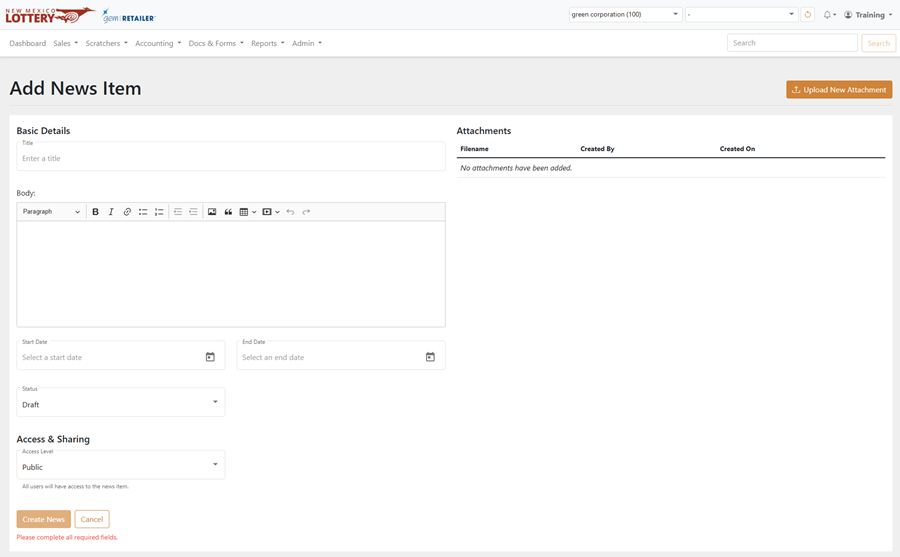
- Use the fields and dropdown menus to describe the news item.
- Optional: To upload an attachment, click [Upload New Attachment] on the upper right-hand side, navigate to a file, and then click [Upload].
- Click [Create News] to create the news item.
Edit News Item
To edit a news item:
- Click the name of the news item in the results table.
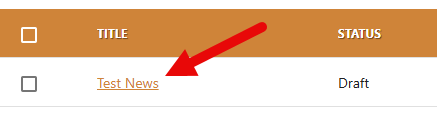
- Use the fields and dropdown menus to make the desired edits.
- Click [Save News].
Export News Item
To export, select the items to export, click [Export] on the right-hand side, and choose the file format. You can also check the orange checkbox at the top of the results to select all the items.