Report Archive
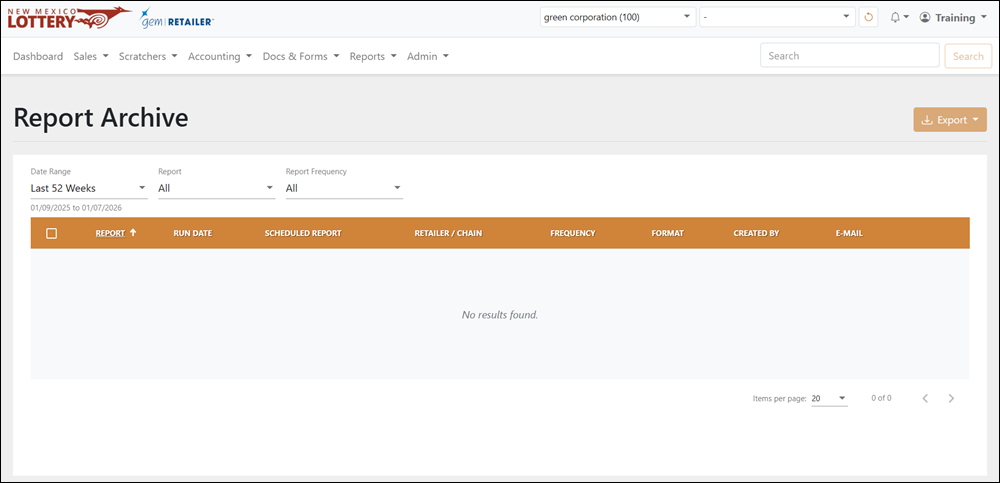
The Reports > Report Archive page displays a table of all previously run reports and related information. For reports created from a scheduled report, the scheduled report name displays and links to its detail page.
 Reports > Reports Archive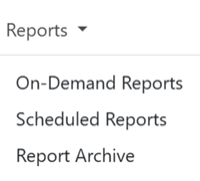
Search for an Archived Report
To search for a report, use the available dropdown menus to filter the data in the results table. For the Date Range, you can also select Custom to choose your own date range.
Download an Archived Report
To download an archived report:
- Move your mouse over the row of the archived report you wish to download. The [Download Report] button displays on the right-hand side of the table.
- Click the button to download the archived report in the same file format as the original report.
- Access any downloaded files in your browser's Downloads folder.
Export an Archived Report
To export, select the items to export, click [Export] on the right-hand side, and choose the file format. You can also check the orange checkbox at the top of the results to select all the items.