Cashes
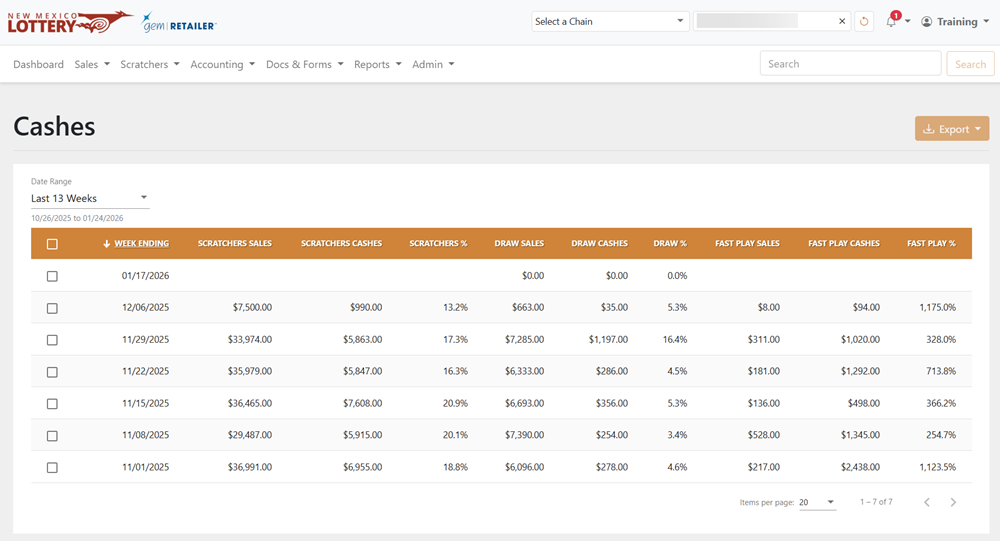
The Accounting > Cashes page displays a table of weekly sales and payout information. The table includes the week-ending date, sales amounts, cashes, and sales percentages for each game category.
 Accounting > Cashes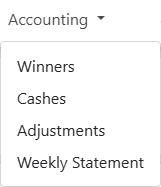
NOTE:To view data, Corporate and Lottery users must select a chain and/or retailer at the top of the page. If you only select a chain, it displays the details for all of its retailers. You may also need to change the date range if applicable.
Search for a Payout
To search for a payout, use the available dropdown menu to filter the data in the results table. For the Date Range, you can also select Custom to choose your own date range.
Export a Payout
To export, select the items to export, click [Export] on the right-hand side, and choose the file format. You can also check the orange checkbox at the top of the results to select all the items.